Top 12 Drag and Drop Website Builders

Building a website used to require either a developer or months spent learning code. Drag-and-drop website builders changed that. Today, anyone with a clear vision for what they want their site to do can build a professional, functional website without writing a single line of code. The tools have become good enough that many small businesses, freelancers, creators, and even larger organizations use them for production websites.
But not all website builders are equal. They differ significantly in design flexibility, performance, ecommerce capabilities, SEO tools, pricing, and the learning curve required to get a good result. This guide covers the 10 best drag-and-drop website builders, with an honest assessment of what each one does well and who it is best suited for.
What Is a Drag-and-Drop Website Builder?
A drag and drop website builder is a tool that lets you construct a website visually, by clicking on elements: text blocks, images, buttons, forms, video embeds and placing them where you want them on the page. Instead of writing HTML and CSS, you interact with a visual interface that generates the code automatically based on your design decisions.
These builders typically come with pre-designed templates, a library of elements, and built-in hosting. The tradeoff compared to custom development is that you give up some control and flexibility in exchange for speed, simplicity, and a lower cost of entry. For many use cases, this is an excellent trade.
The 12 Best Drag-and-Drop Website Builders
1. Wix
Wix is one of the most popular website builders in the world and one of the most flexible drag-and-drop options available. Unlike most builders that use grid or section-based layouts, Wix allows completely free-form placement — you can put any element anywhere on the page without constraint. This maximum design flexibility is both Wix's biggest strength and its main learning challenge: the freedom means you have to make more decisions.
Wix offers a very large template library, built-in ecommerce, a blog platform, booking tools, and an extensive app marketplace for adding functionality. Wix ADI (Artificial Design Intelligence) can build a starter site automatically based on answers to a few questions, which is useful for users who want a starting point to customize. Pricing ranges from a free plan (with Wix branding) to business and ecommerce plans. It is best suited for small business websites, portfolios, and service businesses.
2. Squarespace
Squarespace is known for having the most visually polished templates of any website builder. If design quality out of the box is your priority, Squarespace is typically the strongest option. Its templates are designed with a level of typographic care and visual sophistication that significantly outpaces most competitors. Squarespace uses a section-based editor rather than free-form placement, which is more constrained but also harder to break — the results tend to look professional with less effort.
Squarespace includes ecommerce, blogging, portfolio tools, and strong image presentation features. It is particularly popular among photographers, designers, artists, and creative professionals. The pricing has no free tier — plans start with a free trial before requiring a paid subscription. It is best for creatives, service businesses, and anyone where visual presentation is central to the site's purpose.
3. Shopify

Shopify is specifically built for ecommerce and is the most powerful hosted ecommerce platform available for businesses that sell products online. While it has drag-and-drop page building capabilities, its real strength is in the ecommerce infrastructure: inventory management, payment processing, shipping integrations, tax handling, abandoned cart recovery, and a vast app store for extending functionality.
Shopify is best for businesses where online selling is the primary purpose of the website. It is more expensive than general website builders but the ecommerce features justify the cost for genuine retail operations. For businesses that mainly want to showcase a brand or services rather than process transactions, a general builder is usually a better fit.
4. Webflow

Webflow occupies a unique position: it is a visual design tool that actually generates clean, production-quality HTML and CSS rather than the heavy code output of most website builders. This means designers can use Webflow's visual interface to create websites that look and perform like custom-built sites, without writing code — but also have access to the underlying code if needed.
Webflow has a steeper learning curve than consumer-oriented builders and is genuinely complex for beginners. But for professional web designers and agencies, it offers capabilities that no other drag-and-drop builder matches. It is the best option for design-forward agencies, marketing teams building campaign landing pages, and businesses that want custom visual design without custom development costs.
5. WordPress with Elementor

WordPress is the most widely used content management system in the world, powering over 40% of all websites. On its own it requires technical knowledge, but combined with the Elementor page builder plugin, WordPress becomes a powerful drag-and-drop website building environment. Elementor adds a visual drag-and-drop interface on top of WordPress, giving you access to WordPress's enormous plugin ecosystem while building visually.
This combination offers the most flexibility and scalability of any option on this list, but it also has the highest setup complexity. You need to manage hosting, WordPress installation, plugin updates, and security separately from the site itself. It is best for users who want maximum long-term control and flexibility and are willing to invest in the learning curve.
6. GoDaddy Website Builder
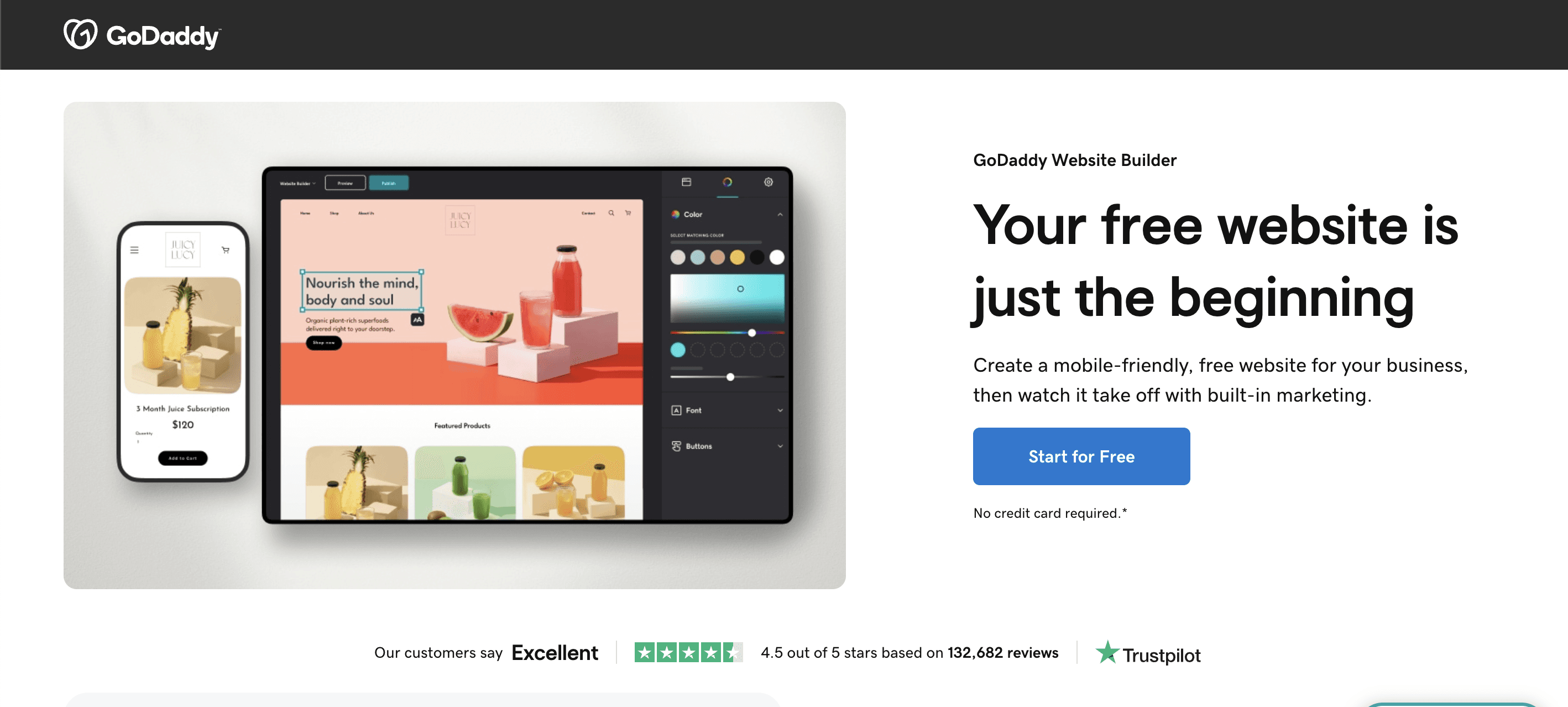
GoDaddy's built-in website builder is designed for maximum simplicity — it uses AI to generate a starter website based on your business type and then lets you customize it through a very straightforward interface. It is the fastest path from no website to a live basic website among the options in this list. GoDaddy integrates well with its own domain registration and hosting services, which most of its users are already purchasing anyway.
The tradeoff is limited design flexibility and fewer advanced features compared to Wix or Squarespace. For a local service business that needs a simple, credible online presence quickly — hours rather than days — GoDaddy's builder is a practical choice. For anything requiring design sophistication or complex functionality, look elsewhere.
7. Weebly
Weebly (now part of Square) is a simple, beginner-friendly website builder with a free tier that is more generous than most competitors. It uses a grid-based drag-and-drop interface that is easy to learn and produces clean, mobile-responsive results. Weebly is well-suited for basic business websites, portfolios, and simple online stores.
Weebly's ecommerce functionality is sufficient for small stores selling a limited number of products but falls short of Shopify for serious retail operations. Design flexibility is moderate — you can customize within the constraints of the template system but cannot achieve the free-form design freedom of Wix. Its integration with Square's payment infrastructure is an advantage for businesses already using Square for in-person transactions.
8. Jimdo
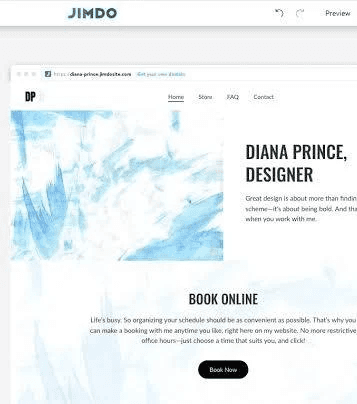
Jimdo is a simple website builder that has positioned itself around AI-powered site creation. Its Dolphin feature asks you a series of questions about your business and creates a complete website design in minutes. This makes it one of the fastest ways to get a professional-looking website live for users who are overwhelmed by design decisions.
The tradeoff is limited customization after the initial creation — Jimdo gives you less control than Wix or Squarespace for fine-tuning designs. It is best for very small businesses, freelancers, or individuals who need a credible online presence quickly and do not need a highly customized design. The free tier is functional for basic use, with paid plans removing Jimdo branding and adding custom domain support.
9. Framer

Framer started as a prototyping tool for designers but has evolved into a full website builder that is particularly popular for startup and SaaS marketing sites. It combines visual drag-and-drop design with component-based structure and has strong animation and interaction capabilities built in. Framer sites tend to have a modern, highly polished appearance that suits technology companies and design-conscious brands.
Framer is not beginner-friendly — it assumes some familiarity with design principles and interface concepts. But for design-oriented users building marketing sites, it offers a level of visual sophistication and interactivity that most traditional website builders cannot match. Its free tier allows publishing one site with Framer branding; paid plans remove branding and add custom domain support.
10. Carrd
Carrd is a minimalist website builder designed specifically for single-page sites — the kind used for personal profiles, link-in-bio pages, simple portfolios, and basic landing pages. It is extremely lightweight, fast, and easy to use, with a free tier that is genuinely useful for its intended purpose. Carrd's simplicity is its strength: it is not trying to compete with Wix or Squarespace for complex multi-page sites.
For creators who need a simple page to link everything together, professionals who want a basic online presence, or anyone building a simple landing page for a product or event, Carrd is the most efficient option available. The paid plan, at a very low annual price, removes branding, adds custom domain support, and unlocks forms and other interactive elements.
11. Design.com

Design.com is a beginner-friendly website builder that combines AI-powered website creation with a large library of ready-made designs. Its AI website builder can create a starting layout based on your business, while its 3,000+ website templates give you plenty of options if you prefer to start with a pre-designed site. The drag-and-drop editor makes it easy to change colors, fonts, images, layouts, and content without coding.
One of Design.com's biggest advantages is its connection to the rest of its branding tools. You can use a logo created on Design.com and automatically carry its colors and fonts into your website, helping your brand look consistent across different pages and marketing materials. It also includes hosting, mobile optimization, contact forms, SEO settings, media support, and payment features on paid plans.
Design.com is best for small businesses, startups, entrepreneurs, and creators who want to launch a professional website quickly without dealing with complicated website-building software.
12. BrandCrowd
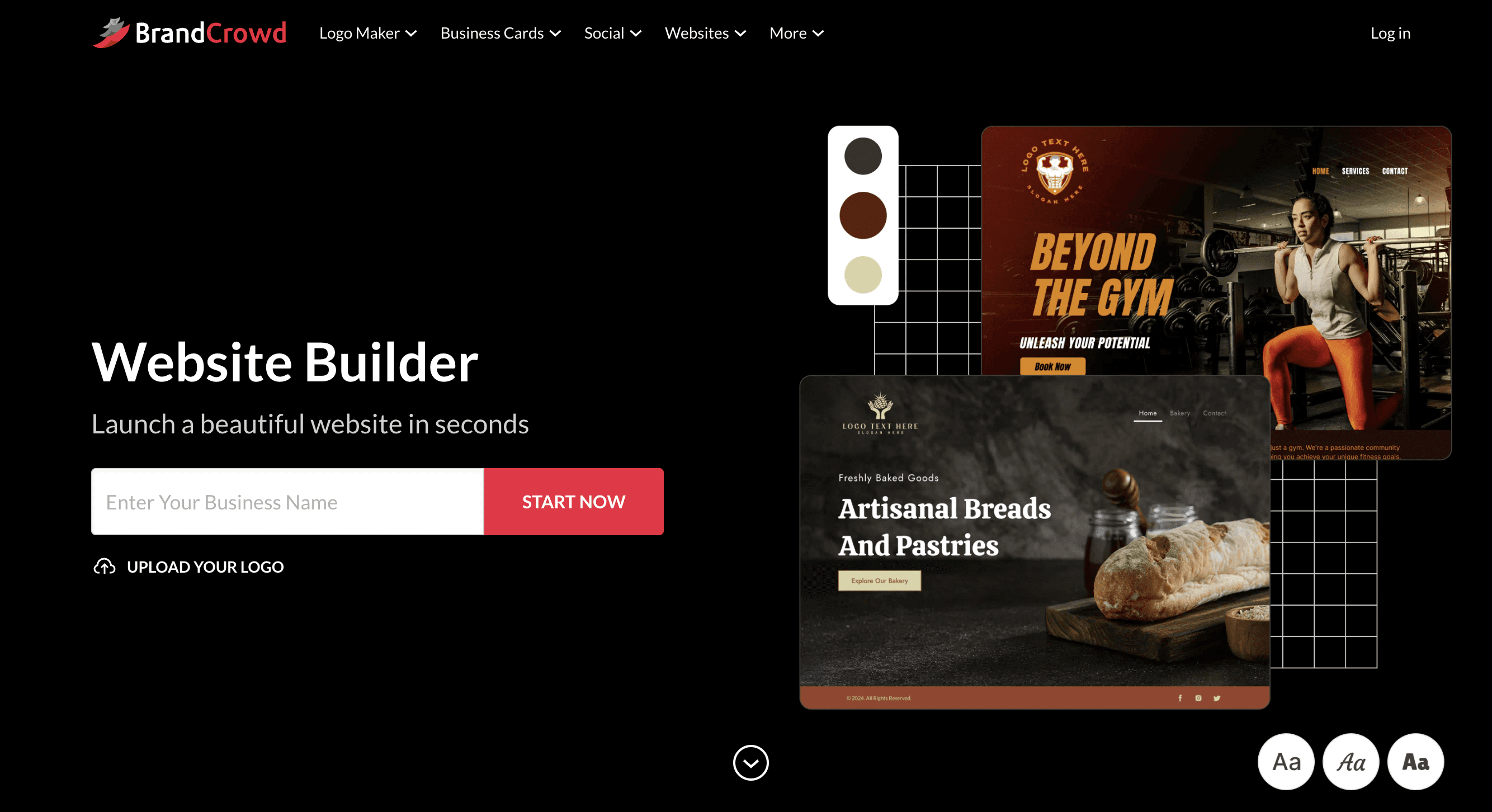
BrandCrowd takes a similar approach, combining website building with its broader collection of branding tools. Its 3,000+ website builder templates cover different industries and business types, giving users a quick starting point instead of asking them to build everything from scratch. The visual editor then lets you customize the layout, text, images, background, logo, and other elements without any coding.
BrandCrowd is particularly useful if you're already creating your logo through the platform. You can bring your BrandCrowd logo into the website and keep your branding consistent across your site and other marketing materials. The builder also includes hosting, mobile-friendly layouts, contact forms, image and video support, and social media links.
BrandCrowd is best for entrepreneurs, small businesses, freelancers, and side hustlers who want to create a branded website quickly, especially if they are building their logo and other visual assets at the same time.
How to Choose the Right Drag and Drop Website Builder
The right choice depends on your primary use case. If you are selling products online, Shopify is the most purpose-built option. If design quality is your top priority, Squarespace delivers the most consistent visual results. If you need maximum flexibility, Wix or Webflow gives you more control. If simplicity and speed matter most, GoDaddy or Jimdo will get you live fastest.
Consider also the long-term implications. Website builders create a degree of platform lock-in — moving a site from Wix to Squarespace requires rebuilding, not just exporting. Choosing a platform you are comfortable with for the long term matters. And check the mobile experience: most builders produce mobile-responsive sites automatically, but the mobile editing and preview experience varies significantly between platforms.


