Top 12 Free Email Signature Generators

An email signature is one of the most consistently seen pieces of business communication. Every professional email you send is an opportunity to reinforce your identity, share your contact details, and present your brand in a polished way. Yet many professionals either skip the signature entirely or use a basic text block that does not reflect the quality of their work.
Free email signature generators make it easy to create professional, well-designed signatures without any design skills or HTML knowledge. This guide reviews the 12 best free options — what each one offers, how easy it is to use, and what limitations exist in the free tier.
Why Your Email Signature Matters
A professional email signature serves several functions simultaneously. It provides essential contact information without requiring the recipient to search for it. It reinforces brand identity through consistent use of colors, fonts, and logos. It can include calls to action — links to your website, a scheduling tool, or your latest content — that make every outgoing email a light marketing touchpoint.
Research consistently shows that emails with professional signatures are perceived as more credible and trustworthy than those without. In a competitive environment, every detail of professional presentation matters. A well-designed signature is a small thing that signals attention to detail.
The 12 Best Free Email Signature Generators
1. HubSpot Email Signature Generator
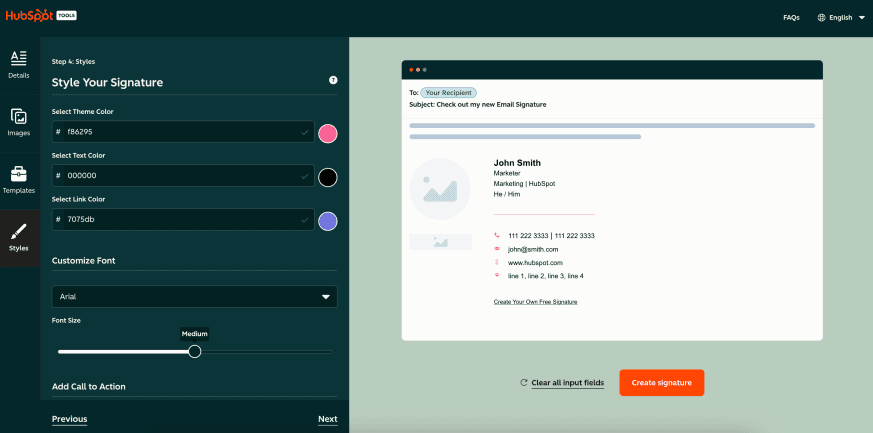
HubSpot's free email signature generator is one of the most polished and straightforward options available. It offers several professional templates, lets you add your photo, social media links, and company logo, and generates HTML code ready to paste into Gmail, Outlook, or Apple Mail. The tool is completely free with no account required, though HubSpot will use it as a lead generation touchpoint. The templates are clean and professional without being over-designed.
2. WiseStamp
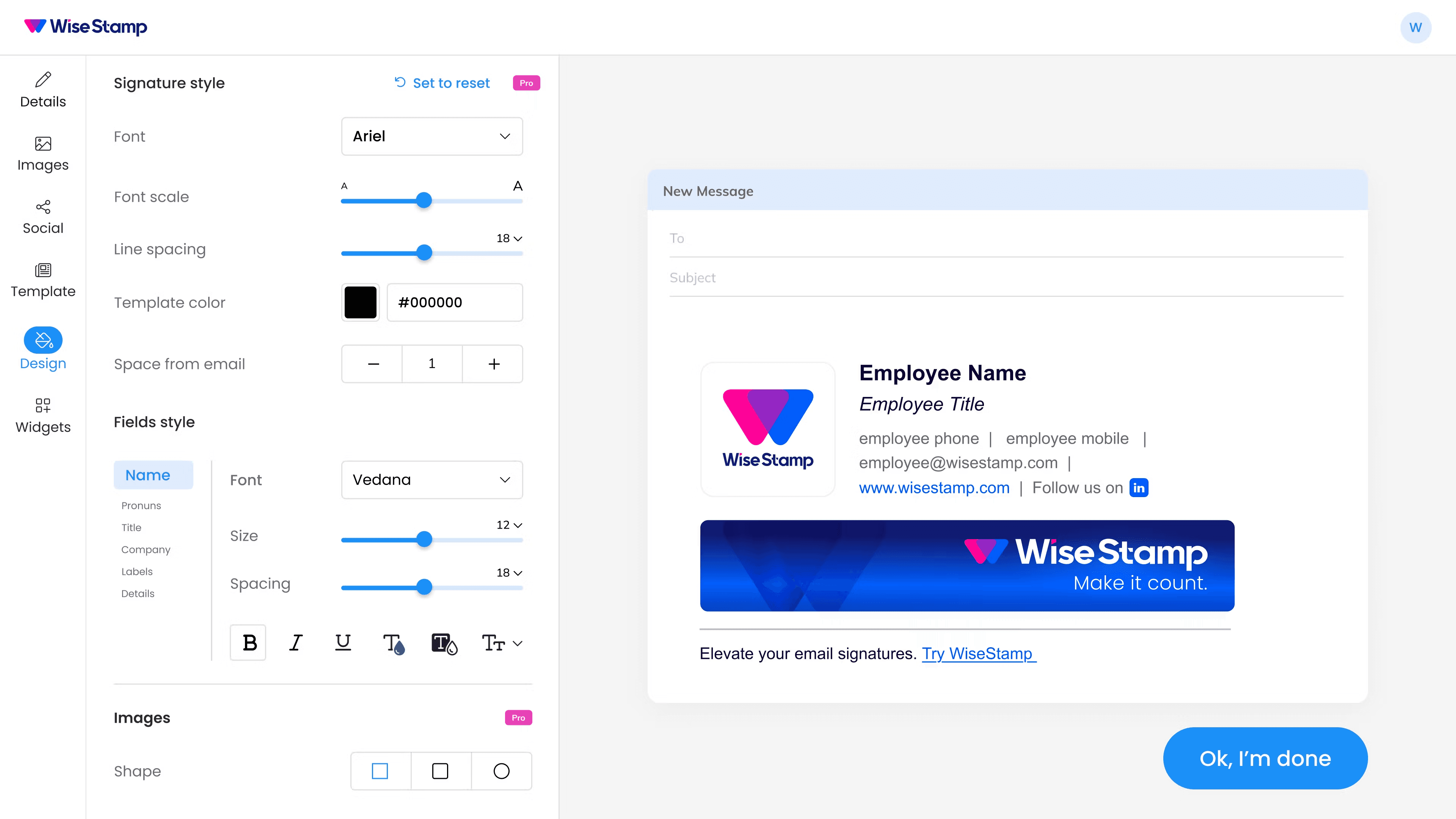
WiseStamp is one of the most established dedicated email signature tools, with a large template library and good customization options. The free tier is functional and allows you to create a signature with all the core elements. However, the free version includes a WiseStamp branding badge at the bottom of your signature, which some professionals find reduces the polished effect. The paid tier removes this and adds additional features. WiseStamp works well with Gmail and has a browser extension for easy installation.
3. Canva Email Signature Maker
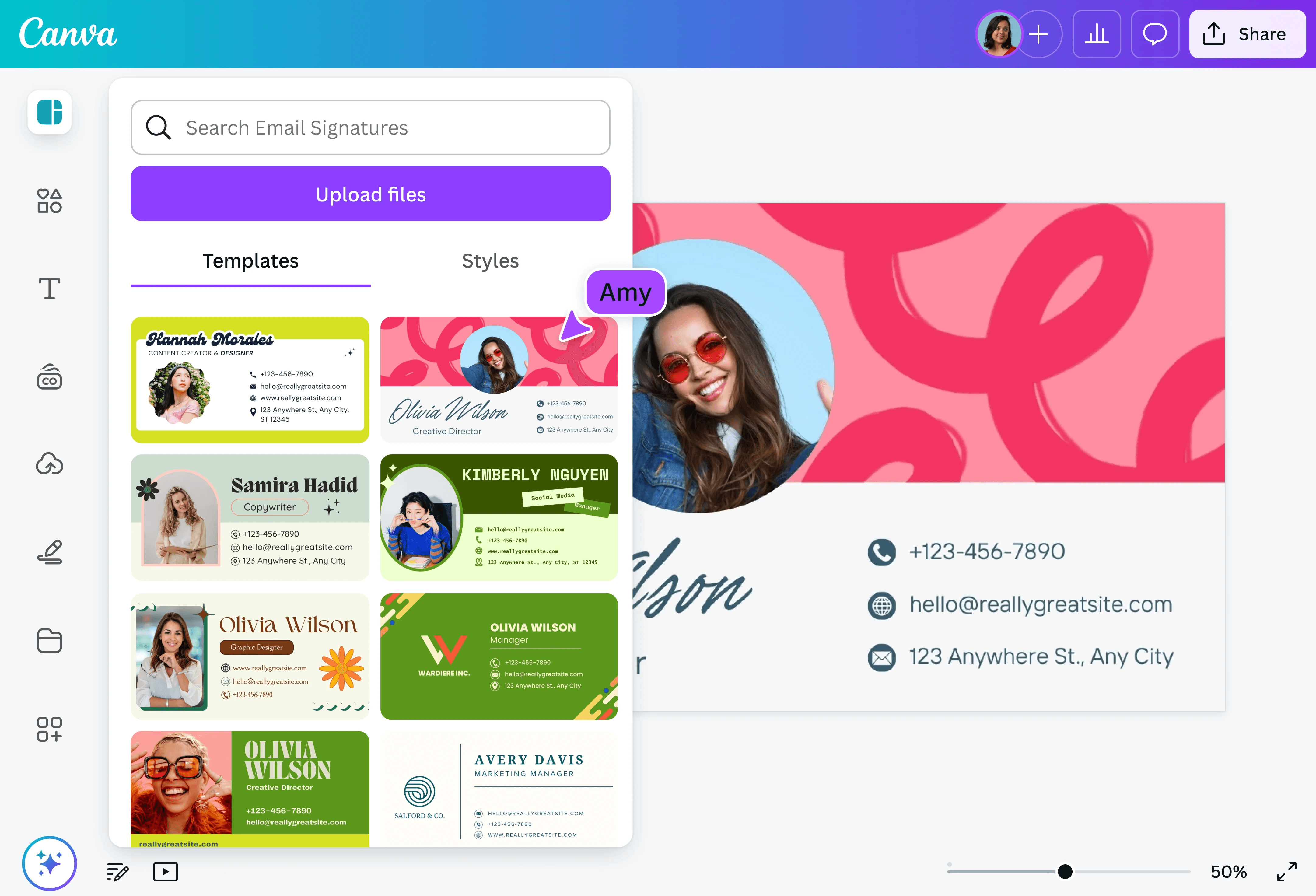
Canva's email signature tool brings the same drag-and-drop design interface that Canva is known for to signature creation. You get more visual design flexibility than most dedicated signature tools, which is useful for brands with specific design requirements. The free Canva tier gives you access to basic templates and design elements. One limitation: Canva's signatures are generated as images rather than HTML, which means they may not render correctly in all email clients and can increase email load time. For visually complex signatures where appearance is the priority, it remains a strong option.
4. MySignature

MySignature offers a clean, browser-based signature editor with a good selection of templates and customization options. The free tier allows creating one signature with basic elements. The interface is intuitive and the generated HTML code works reliably across major email clients. MySignature is a solid choice for individuals who need one professional signature without complex requirements. The paid plans add team management features and multiple signature options, which makes it scalable for business use.
5. Newoldstamp

Newoldstamp is primarily a team signature management platform, but it offers a free individual tier that gives you access to a signature builder with decent template variety. The tool is strong for ensuring consistent signatures across an organization — a feature that matters more at the team level. For individuals, the free tier is functional for creating a basic professional signature. The interface is slightly more complex than some alternatives because it is built for team administrators as much as individual users.
6. Signature Maker by Designhill
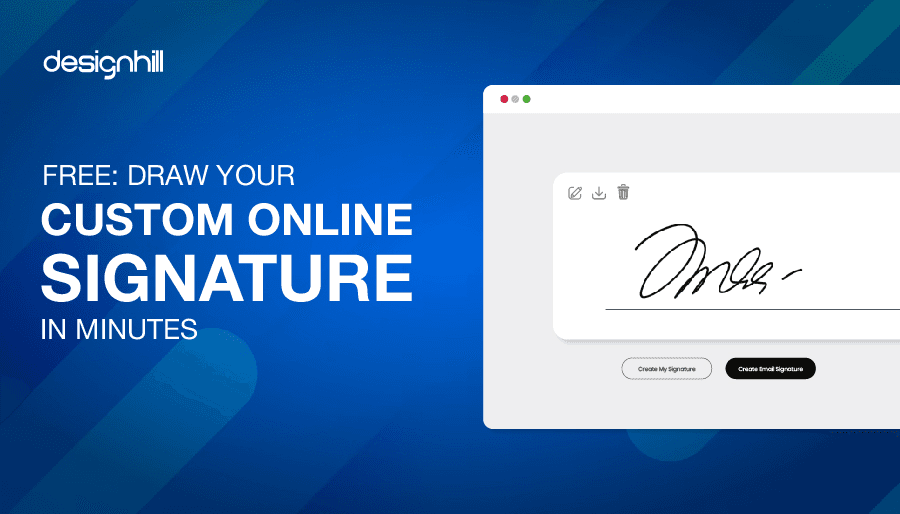
Designhill's email signature maker is a no-frills, straightforward generator that lets you create a professional signature quickly. It supports multiple templates, social media links, and custom color selection. The tool is completely free and does not require account creation. It is best suited for professionals who want a quick, clean result without spending time on design decisions. The template selection is smaller than some competitors, but the quality is consistent and the output HTML is clean.
7. Mail-Signatures.com
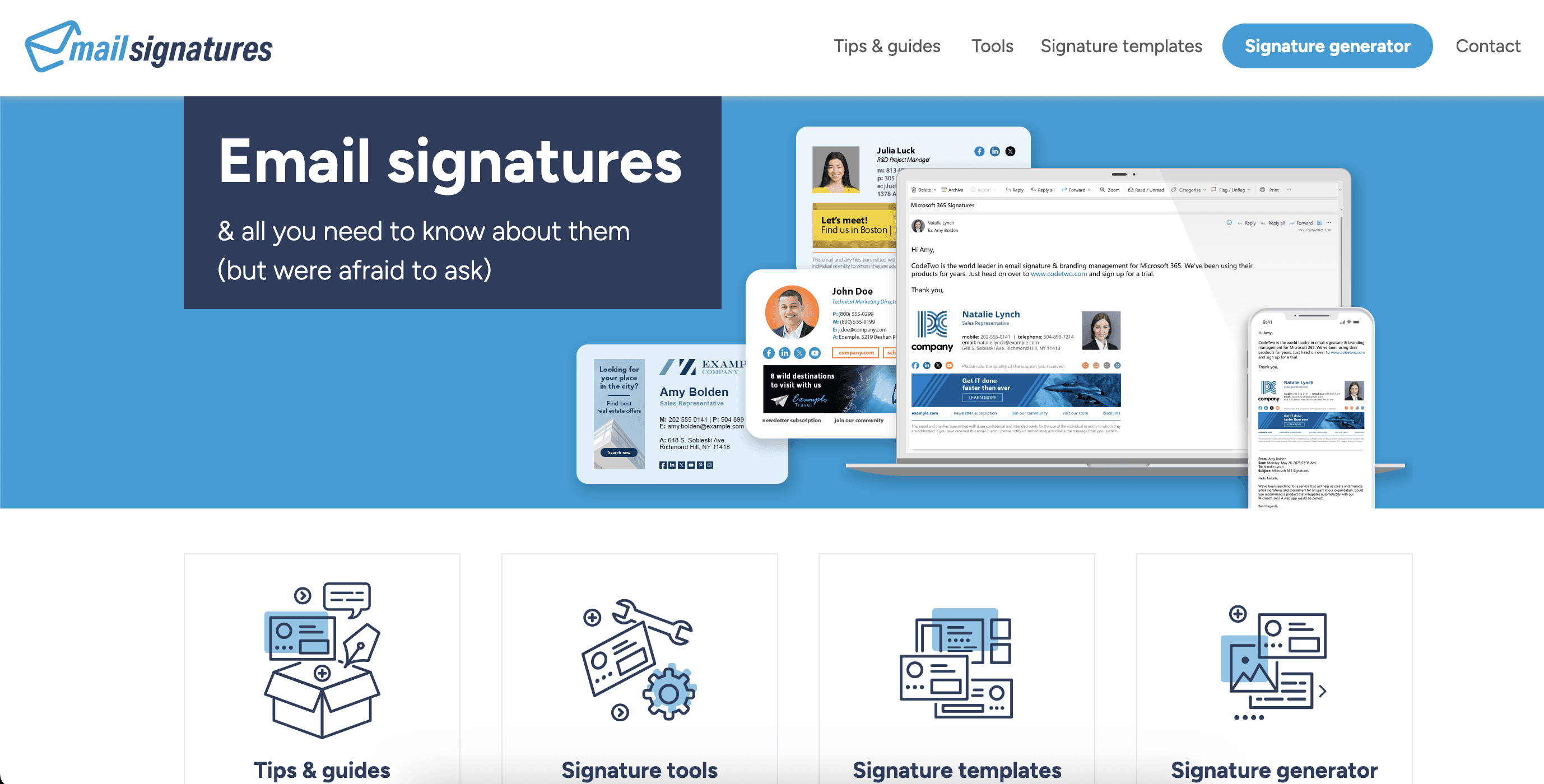
Mail-Signatures.com offers a simple signature generator focused on HTML output that works reliably across all major email clients. It is particularly useful for users who need their signature to render consistently in Outlook, which is known for having stricter HTML rendering compared to web-based email clients. The interface is basic but functional, and the resulting signatures are clean and professional. No account is required for basic use.
8. Gimmio
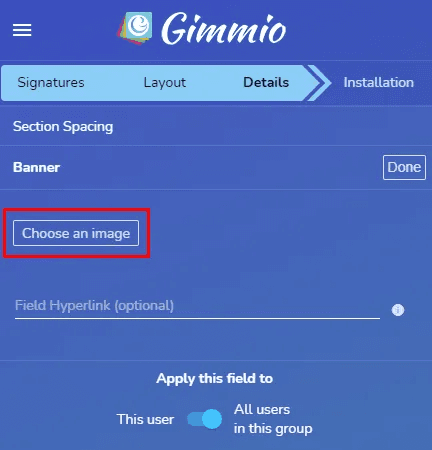
Gimmio (formerly Signature Creator) provides a solid free email signature generator with a good range of template options and customization fields. The free tier generates a functional signature with no forced branding on the signature itself. Fields available include standard contact information, social links, company details, and a photo upload. The tool works well with Gmail, Outlook, and Apple Mail. It is a reliable mid-range option for professionals who want more template variety than the simplest tools offer.
9. ZippySig
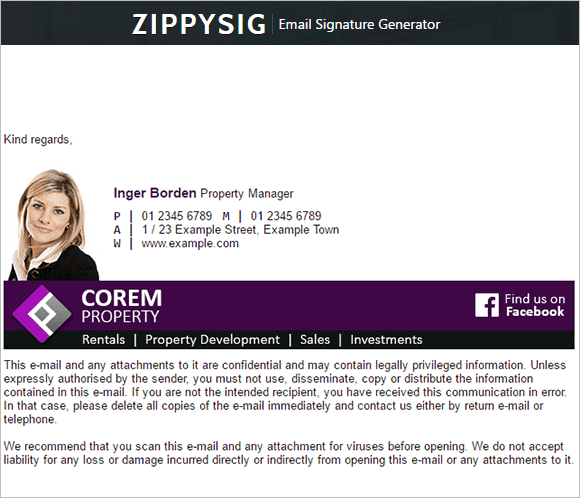
ZippySig is a simple, fast email signature creator with a clean interface and quick setup process. It focuses on getting you to a usable signature as quickly as possible, with fewer design options than more elaborate tools but a faster path to completion. The free version generates a HTML signature compatible with major email clients. It is a good choice for someone who wants a professional signature in under five minutes without making many design decisions.
10. Signatur.io
Signatur.io provides a clean, mobile-friendly email signature generator with several modern template options. The free tier is reasonably generous and does not add branding to your signature. It supports custom colors, fonts, social media links, and a photo upload. The signatures are generated as HTML and can be installed in Gmail through a direct integration option as well as by copying and pasting the code. It performs well for both personal and small business use.
11. Exclaimer Cloud (Free Trial)

Exclaimer is a more enterprise-oriented signature management platform, but its free trial gives individuals and small teams access to its professional template library and editor. The templates are notably high quality and are designed with corporate presentation standards in mind. Exclaimer's primary strength is its deployment and management tools for large organizations, but the signature quality makes it worth trying even for individual use during the trial period. Note that this is a time-limited trial rather than a permanently free tier.
12. ActiveCampaign Email Signature Generator

ActiveCampaign's free email signature generator is a simple, no-account-required tool that produces clean HTML signatures with standard professional elements. It includes fields for name, title, company, phone, website, and social links. Template variety is limited compared to dedicated signature tools, but what is available is clean and functional. Like HubSpot's tool, it serves partly as a brand awareness vehicle, but the signature output itself is useful and completely free.
How to Choose the Right Email Signature Generator
The best email signature generator for you depends on a few key factors. If you use Gmail, tools with direct Gmail integration — WiseStamp, MySignature, Signatur.io — offer the smoothest installation experience. If you use Outlook, prioritize tools that specifically highlight Outlook compatibility, as Outlook's HTML rendering can break signatures designed for other clients.
If visual design is important and you want more creative control, Canva's approach gives you the most flexibility. If you just need something professional and functional quickly, HubSpot's generator or Designhill's tool will get you there fastest. For teams that need consistent signatures across multiple employees, Newoldstamp and Exclaimer offer team management features worth investing in.
Whichever tool you choose, focus on keeping your signature concise: name, title, company, phone, email, and one or two social links are usually sufficient. Overloaded signatures with too many elements can look cluttered and reduce the impact of the information that matters most.


