Google My Business: A Complete Guide to Google Business Profile

When someone searches for a business near them, the first results they see are almost always from Google. That row of local business listings with ratings, photos, hours, and a map is powered by a tool called Google Business Profile — widely known by its former name, Google My Business. For any business that serves local customers, having a fully optimized Google Business Profile is one of the highest-impact things you can do for your online visibility.
This guide covers everything you need to know: what Google My Business is, how to set it up, how to optimize it for local SEO, and what mistakes to avoid.
What Is Google My Business?
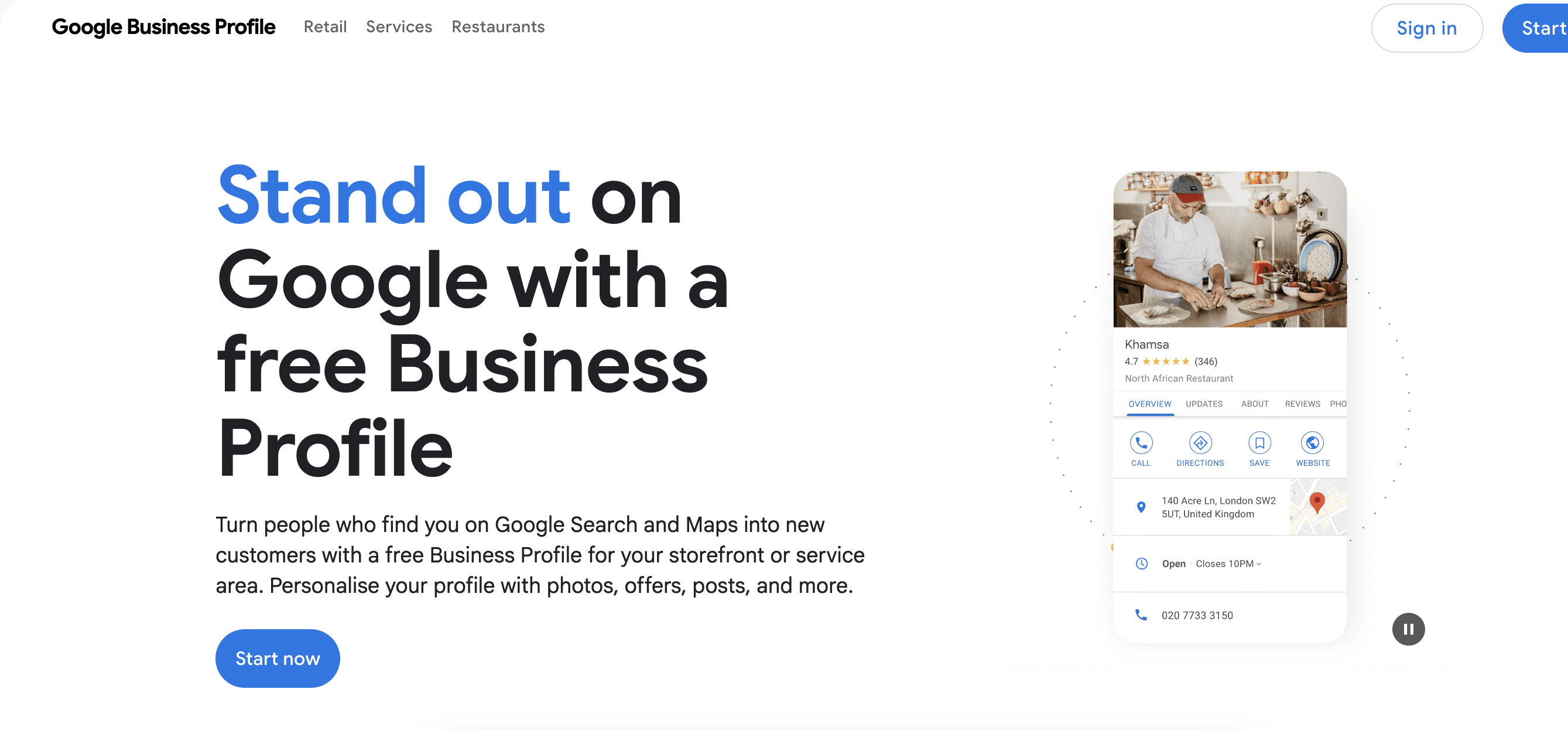
Google My Business is a free tool from Google that allows businesses to manage how they appear in Google Search and Google Maps. In 2021, Google rebranded the tool as Google Business Profile, though the term Google My Business is still widely used and searched. The platform lets business owners control their listing information, respond to customer reviews, post updates, and see how customers are finding and interacting with their profile.
When a potential customer searches for a business by name, or searches for a category of business in their area — like coffee shop near me or best dentist in Chicago — Google displays a local results panel. This panel is populated from Google Business Profiles. Businesses without a claimed and optimized profile may not appear in these results at all, or may appear with incomplete and inaccurate information.
Why Google Business Profile Matters for Local SEO
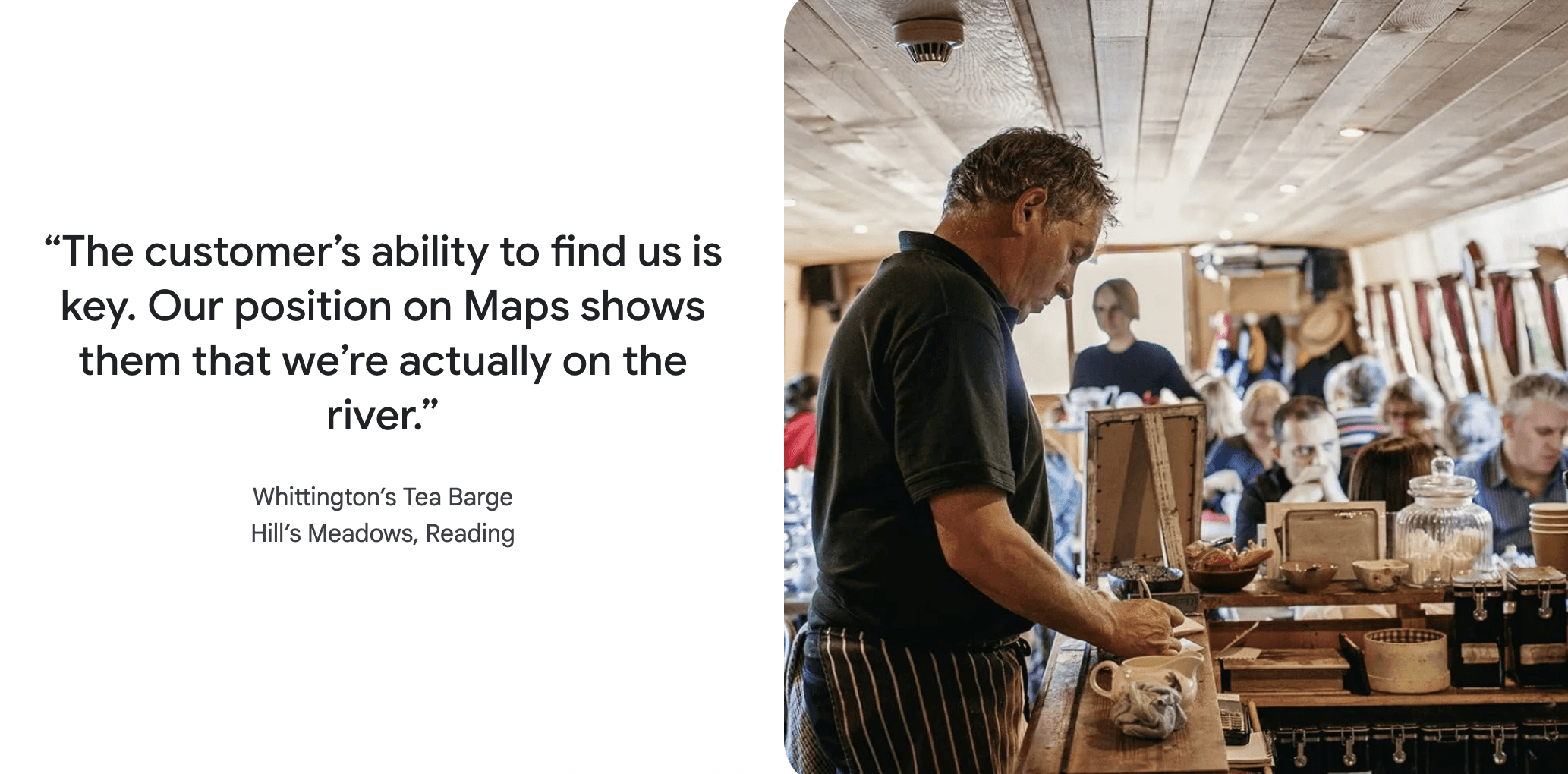
Local SEO refers to the practice of optimizing your online presence to attract customers in a specific geographic area. Google Business Profile is the single most important factor in local SEO. When Google decides which businesses to show in local search results, it considers three primary factors: relevance, distance, and prominence.
Relevance means how well your profile matches what the person searched for. Distance means how close your business is to the searcher or to the location they specified. Prominence refers to how well-known and reputable your business is, based on reviews, links, and engagement with your profile.
A fully optimized Google My Business listing directly influences all three of these factors. It tells Google exactly what your business does, where it is, and gives customers a reason to trust it. Businesses that neglect their profile leave a significant amount of local search visibility on the table.
How to Set Up Your Google Business Profile
Step 1: Create or Claim Your Listing
Go to business.google.com and sign in with a Google account. Search for your business name. If a listing already exists — which is common because Google sometimes auto-generates listings from public data — you will need to claim it. If no listing exists, create a new one. You will enter your business name, category, and location or service area.
Step 2: Verify Your Business
Google requires verification to confirm that you are the legitimate owner or manager of the business. The most common verification method is a postcard sent to your business address with a verification code. Other methods — phone, email, or video — may be available depending on your business type. Until verification is complete, your listing will have limited visibility and functionality.
Step 3: Complete Your Business Information
Once verified, fill in every field available. This includes your business name, address, phone number, website, business category, description, hours of operation, and service area if you serve customers at their location rather than a fixed address. Completeness matters — Google prioritizes profiles that provide more information because they are more useful to searchers.
Step 4: Add Photos and Visual Content
Businesses with photos receive significantly more clicks and direction requests than those without. Add high-quality photos of your storefront, interior, products, team, and any other visuals that help potential customers understand what you offer. Google also allows businesses to add short videos. Keep photos updated — a photo from ten years ago that no longer reflects the business can actually hurt trust.
How to Optimize Your Google My Business Profile
Choose the Right Primary Category
Your primary business category is one of the most important optimization decisions you will make. It tells Google what type of business you are and directly influences which searches you appear in. Choose the most specific category that accurately describes your business. If you run an Italian restaurant, choose Italian Restaurant rather than just Restaurant. You can also add secondary categories for additional services you offer.
Write a Strong Business Description
Your business description appears in your Google Business Profile and gives you up to 750 characters to tell potential customers who you are, what you offer, and what makes you different. Include your primary keyword naturally — if you are a plumber in Denver, mention that. But write for humans first. A description that reads like a keyword list will not convince anyone to choose your business.
Collect and Respond to Reviews
Reviews are one of the most significant factors in local search ranking and one of the most powerful trust signals for potential customers. Encourage satisfied customers to leave reviews on your Google Business Profile. Make it easy by sending them a direct link to your review page.
Respond to every review — positive and negative. Thanking customers for positive reviews shows engagement. Responding thoughtfully to negative reviews demonstrates professionalism and gives you a chance to address concerns publicly. Google considers review quantity, quality, and recency when ranking local results.
Use Google Posts Regularly
Google Posts allow you to publish updates, offers, events, and product highlights directly on your profile. These posts appear in your listing and can drive engagement from people who are already looking at your business. Use posts to announce promotions, share news, highlight new products, or promote upcoming events. Posts expire after seven days for most types, so regular posting keeps your profile active and fresh.
Enable Messaging
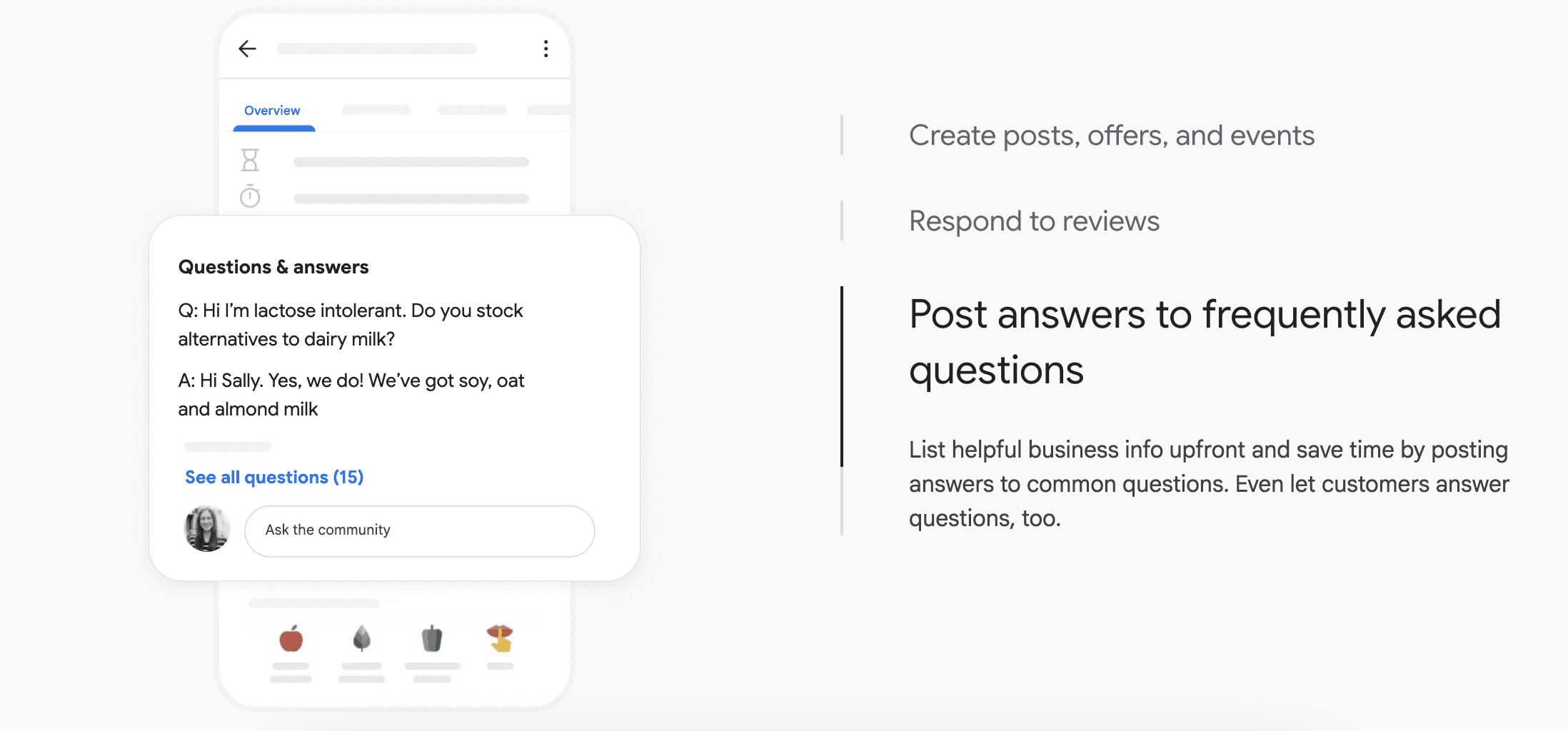
Google allows customers to message businesses directly from their profile. Enabling this feature gives potential customers an easy way to ask questions before they visit or call. Respond quickly — Google tracks your response time and displays it on your profile. A slow response rate can deter potential customers. Many businesses find that the messaging feature converts well because it captures people at the moment they are actively considering the business.
Add Products and Services
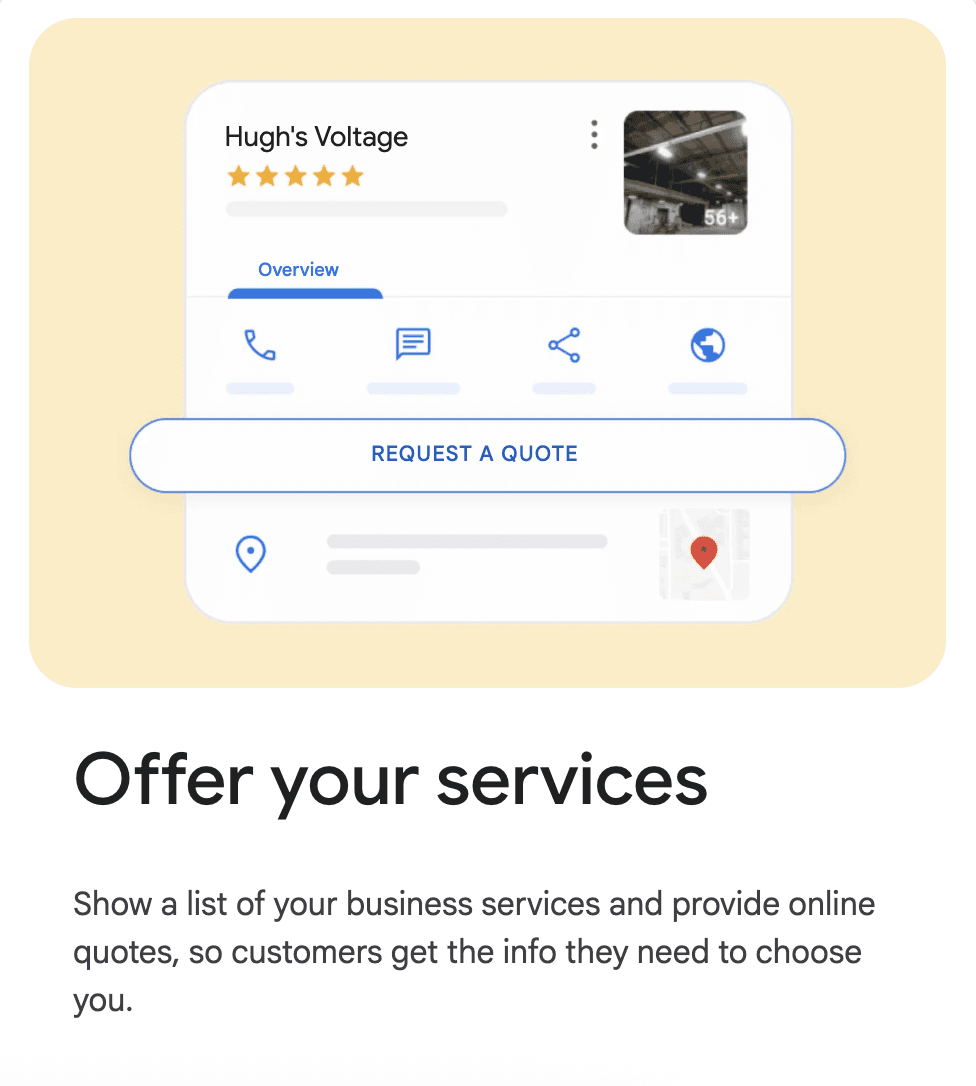
If your business sells products or services, add them to your profile with names, descriptions, and prices where applicable. This gives searchers immediate visibility into what you offer without needing to visit your website. For retail businesses, product listings can appear directly in Google Shopping results as well.
How Google My Business Impacts Local SEO
A well-maintained Google Business Profile feeds directly into your performance in the local pack — the block of three business listings that appears at the top of local search results. Appearing in the local pack is enormously valuable because it gives you visibility above the organic search results, right at the moment a customer is ready to make a decision.
Beyond the local pack, your Google Business Profile also influences your broader online reputation. Reviews on your profile are indexed and can appear in regular search results. Information from your profile is used to populate local directory listings and third-party platforms that pull data from Google.
Common Google My Business Mistakes to Avoid
The most common mistake is simply leaving the profile incomplete. An incomplete profile leaves Google without enough information to confidently recommend your business for relevant searches. Fill in every available field.
A second common mistake is inconsistent NAP information — that is, Name, Address, and Phone number. If your business name, address, or phone number appears differently on your Google profile than on your website or other directories, it creates confusion for both Google and customers. Ensure this information is identical everywhere it appears online.
Ignoring reviews is another significant mistake. A business with no review responses looks inattentive. A business that responds to reviews — even negative ones — demonstrates that it values customer feedback. And keyword stuffing your business name or description violates Google's guidelines and can result in your listing being suspended.
Google My Business: Your Local Visibility Foundation
For local businesses, Google Business Profile is not optional — it is foundational. It is the primary way Google learns about your business and the primary way local customers find and evaluate you before making contact. A profile that is claimed, complete, active, and optimized can make the difference between appearing at the top of local results or not appearing at all.
The good news is that the basics are free, accessible, and not technically complicated. Setting up and optimizing a Google My Business profile is one of the highest-return activities a local business can invest time in. Start with the fundamentals — complete your information, add photos, gather reviews, and post regularly — and build from there.


