ChatGPT API: Everything You Need to Know

The ChatGPT API is what happens when you move beyond the chat interface and integrate OpenAI's language models directly into your own applications, workflows, and products. While ChatGPT the product is available to anyone through a browser, the ChatGPT API allows developers, businesses, and technical users to access the same underlying capabilities programmatically — giving them far more control over how the AI behaves and what it produces.
This guide explains what the ChatGPT API is, who it is for, how to get started, how pricing works, what you can build with it, and where its limitations lie — in plain language that is useful for both developers and non-technical readers trying to understand what is possible.
What Is the ChatGPT API?
An API, or Application Programming Interface, is a way for one piece of software to talk to another. The ChatGPT API — more precisely called the OpenAI API — allows any application to send a request to OpenAI's servers and receive a response generated by one of OpenAI's language models, including GPT-4 and GPT-4o.
Unlike the ChatGPT web interface, the API does not have a chat window or a user account in the traditional sense. It is a programming tool. You send text in, you get text out. What your application does with that text — how it displays it, how it stores it, how it connects it to other data — is entirely up to you. This makes the API far more flexible and powerful than the consumer product, at the cost of requiring technical setup to use.
Who Is the ChatGPT API For?
The OpenAI API is most directly useful for software developers who want to build AI-powered features into applications they are creating. A developer building a customer support chatbot, a coding assistant, a content generation tool, or a document analysis system would use the API to power those features.
Beyond individual developers, the API is used by businesses that want to integrate AI into their operations — automating parts of customer service, generating first drafts of marketing content, processing large volumes of text data, or building internal tools that their teams use. Researchers and data scientists also use the API to run experiments and analyze language data at scale.
Even non-developers can access the API's capabilities through tools like Zapier, Make, and other no-code automation platforms that provide pre-built connections to the OpenAI API. This means you do not necessarily need to write code to integrate AI into your workflows — you just need to understand what you want the AI to do.
How to Get Access to the ChatGPT API
Create an OpenAI Account
Getting started with the ChatGPT API requires creating an account at platform.openai.com. This is separate from the ChatGPT consumer account, though the same email can be used for both. From the platform, you access the API keys section and generate an API key — a long string of characters that functions like a password for your API access.
Add Payment Information
The OpenAI API is not free — usage is billed based on how much text you send and receive, measured in tokens. To use the API beyond very limited free credits, you need to add a credit card or other payment method and set usage limits to control spending. OpenAI provides usage dashboards so you can monitor costs in real time.
Make Your First API Call
Once you have an API key, you can make a call to the API using any programming language that can send HTTP requests — Python, JavaScript, Ruby, and others all work. OpenAI provides official libraries for Python and Node.js that make this easier. A basic API call specifies which model to use, the conversation history or prompt, and any parameters like the maximum response length or the temperature (which controls how creative or predictable the responses are).
How the ChatGPT API Works
Models Available Through the API
The OpenAI API provides access to multiple models at different capability and price levels. GPT-4o is currently the flagship model — capable across text, image analysis, and voice — and is the default recommended choice for most applications. GPT-4o mini is a smaller, faster, and cheaper model suitable for tasks where the full power of GPT-4o is not required. GPT-3.5 Turbo is an older but very cost-effective model still widely used for high-volume applications where cost efficiency matters more than peak capability.
Tokens and Context Windows
The API processes text in units called tokens. A token is roughly equivalent to four characters of English text, so a typical word is one to two tokens. Every API call has an input (the prompt or conversation history you send) and an output (the response the model generates). Both are measured in tokens, and both are billed.
The context window refers to the maximum amount of text — measured in tokens — that the model can process in a single interaction. GPT-4o supports a context window of up to 128,000 tokens, which is roughly equivalent to a book-length document. A larger context window means the model can work with longer conversations, bigger documents, and more complex instructions without losing track of earlier information.
System Prompts and Customization
One of the most powerful features of the API is the system prompt. This is an instruction you provide before the conversation begins that tells the model how to behave — what role it should play, what tone to use, what topics to avoid, what format to use for responses, and so on. System prompts are invisible to end users and allow developers to create highly customized AI experiences built on top of the underlying model.
ChatGPT API Pricing
OpenAI API pricing is usage-based, charged per million tokens of input and output. Prices vary by model — GPT-4o costs more per token than GPT-4o mini, which costs more than GPT-3.5 Turbo. Exact prices change periodically and should be checked at OpenAI's pricing page for the most current figures.
For most applications, the cost is manageable. A typical customer support chatbot handling a few thousand conversations per month might spend tens or hundreds of dollars per month on API costs, depending on conversation length. High-volume applications processing millions of documents might spend significantly more. OpenAI also offers Batch API pricing at a discount for large-scale processing tasks that do not need real-time responses.
What You Can Build with the ChatGPT API
Customer Support Automation
One of the most common API use cases is building AI-powered customer support systems. The API can power a chatbot that answers frequently asked questions, helps customers troubleshoot issues, or routes complex inquiries to human agents. With a well-crafted system prompt and access to a knowledge base through retrieval systems, these chatbots can handle a significant portion of support volume at a fraction of the cost of human agents.
Content Generation at Scale
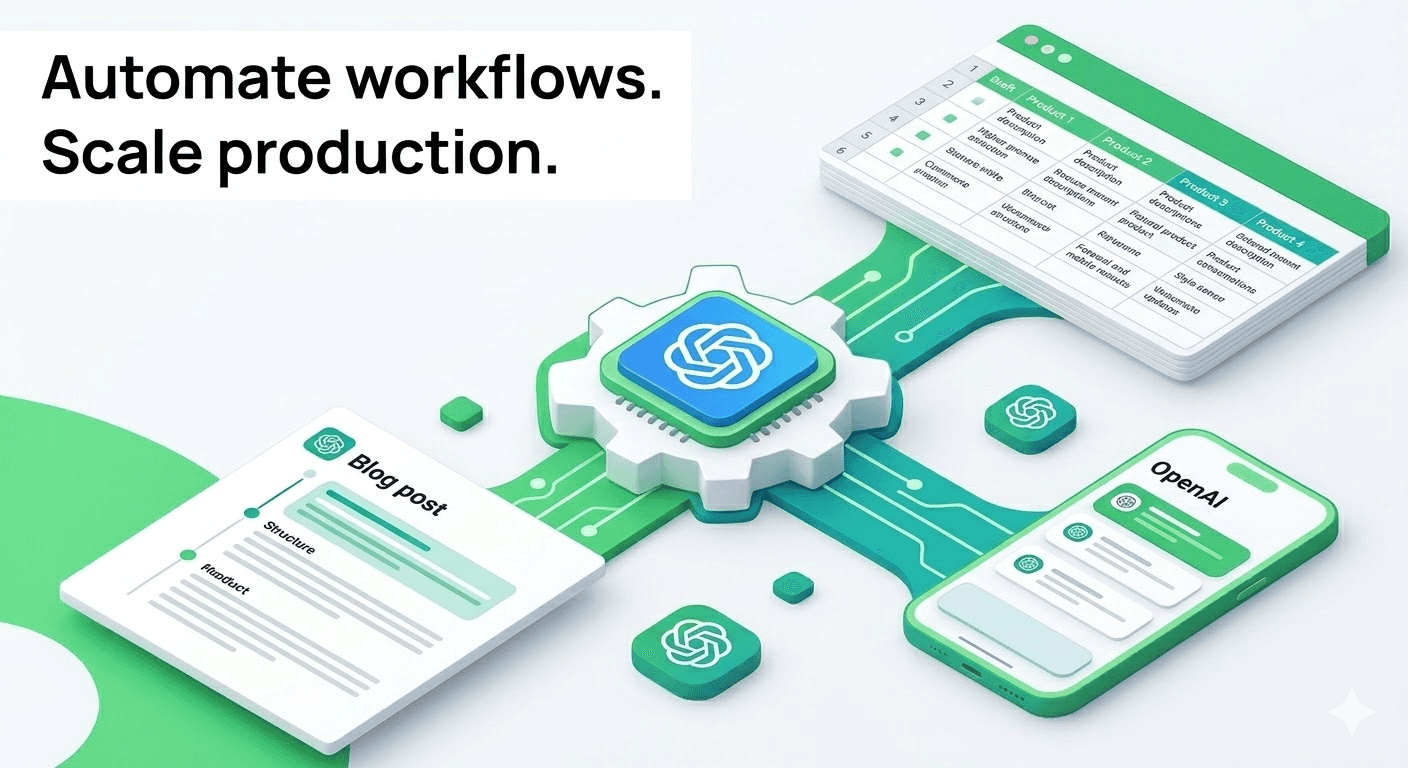
Marketing teams use the API to generate first drafts of blog posts, product descriptions, social media captions, email campaigns, and ad copy. The API can be connected to a database of product information and asked to generate unique, SEO-optimized descriptions for thousands of products automatically. Human editors review and refine the output, dramatically accelerating the content production process.
Document Analysis and Summarization
Legal, financial, and research organizations use the API to process large volumes of documents — contracts, reports, research papers — and extract specific information, generate summaries, or flag items of interest. The large context window of current GPT-4o models means entire long documents can be processed in a single API call rather than needing to be broken into chunks.
Coding Assistance

Development tools like GitHub Copilot are built on top of OpenAI's models via the API. Individual developers also use the API to build their own coding assistants — tools that generate code, explain existing code, identify bugs, and suggest improvements. The API's ability to process both natural language and code in the same interaction makes it particularly well-suited to these use cases.
Limitations of the ChatGPT API
The API is powerful but not without limitations. Models can produce incorrect information with confidence — this is called hallucination — and any application that relies on factual accuracy needs to build in verification steps rather than trusting the model output blindly. Cost can be a limiting factor for high-volume applications, particularly if using the most capable models.
There are also content policy restrictions that prevent the models from producing certain types of content. Applications built on the API must comply with OpenAI's usage policies, which prohibit uses like generating harmful content, automating disinformation, or building applications that could cause real-world harm. Rate limits — restrictions on how many API calls can be made per minute — can also be a constraint for high-traffic applications, though higher limits are available for customers who qualify.
Getting Started with the ChatGPT API
For developers, the OpenAI documentation at platform.openai.com/docs is comprehensive and includes quickstart guides, code examples, and API reference material. OpenAI's Playground tool on the platform allows you to experiment with different models and settings in a browser-based interface before writing any code.
For non-developers, the fastest way to access API capabilities without writing code is through no-code automation tools. Zapier, Make, and similar platforms have pre-built OpenAI integrations that let you connect ChatGPT's capabilities to your existing tools and workflows without programming. The learning curve is lower, though the customization options are more limited than what is possible with direct API access.


